
Hot Foil

Hot foil elevates your cards with an ultra-refined look and feel that communicates sophistication, quality, and professionalism. This luxury finish is precision hot-stamped on premium 14pt uncoated or 16pt silk-laminated stock and is available for:
-Business Cards
-Postcards
-Trading Cards
-Hang Tags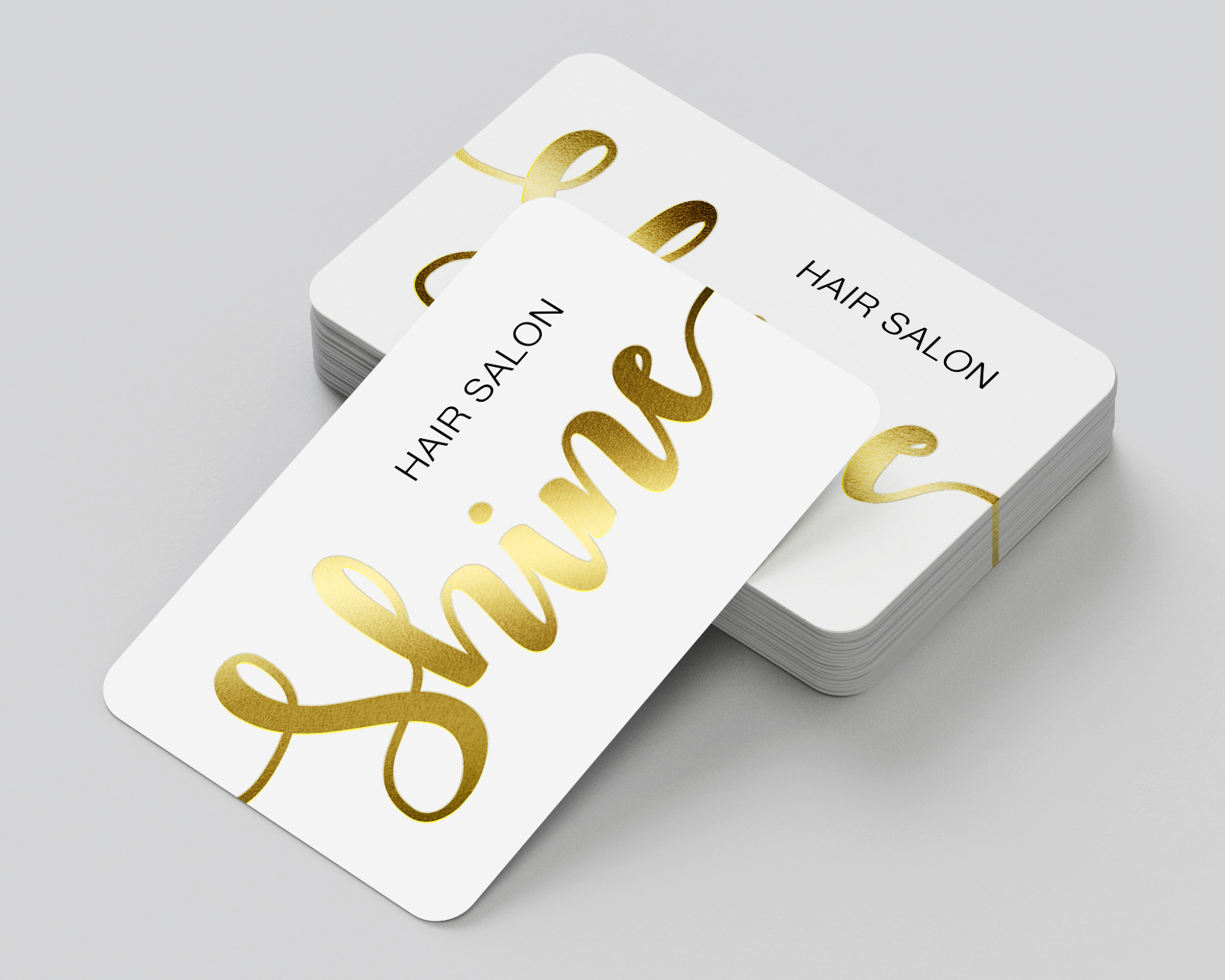
Choose from seven stunning foil color options to unlock endless design possibilities for brands across a wide range of industries.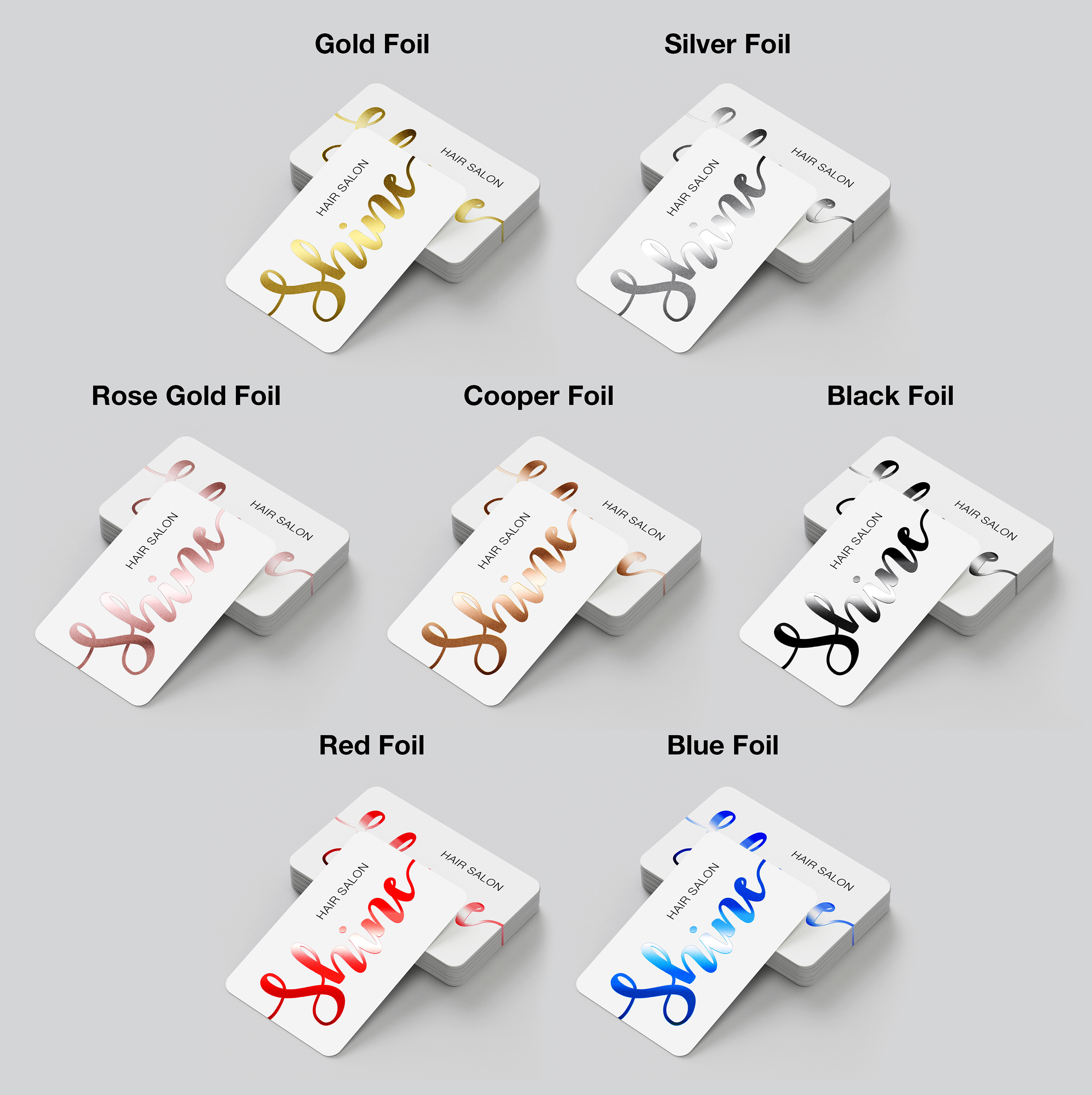
Please note: When printing on both sides, the same foil color must be used on the front and back of the product.
Hot foil elevates your cards with an ultra-refined look and feel that communicates sophistication, quality, and professionalism. This luxury finish is precision hot-stamped on premium 14pt uncoated or 16pt silk-laminated stock and is available for:
-Business Cards
-Postcards
-Trading Cards
-Hang Tags
Choose from seven stunning foil color options to unlock endless design possibilities for brands across a wide range of industries.
Please note: When printing on both sides, the same foil color must be used on the front and back of the product.
Hot foil elevates your cards with an ultra-refined look and feel that communicates sophistication, quality, and professionalism. Available for Business Cards, Postcards, Trading Cards, and Hang Tags, this luxury finish is precision hot-stamped on premium 14pt uncoated or 16pt silk-laminated stock.
Popular Uses:
- Business Cards
- Post Cards
- Invitation Cards
- Wedding/Baby Shower Invites
- Holiday Cards
Design Templates
Design your hot foil right the first time by using a template. Our templates are setup accurately assuring your print job is produced properly. To download, click the download template button below:
Download Template
Ordering & Artwork Setup Guide
Step 1. Choose Product
- If you can not find the product you are looking for submit a custom quote here
Step 2. Select Product Options
- Size
- Color
- Turnaround Time
- Coating
- Etc.
Step 3. Add Product to Shopping Cart
- You will see an instant price for all listed products
- Click the Add To Cart Button
Step 4. Review Shopping Cart
- Name Your Job
- Select Shipping Method
- Add Any Special Instructions
- Once Satisfied Click The Checkout Button or Continue Shopping
Step 5. Payment Page
- Select Billing Address
- Select Payment Method
- Review and Accept Terms/Conditions
- Click Complete Button
Step 6. Upload Files
- Upload Now
- Upload Later
- My Designer Will Upload
- Files Are At A 3rd Party Download Source (i.e. ftp, dropbox, sendspace)